Your equipment, remembered
After a successful first connection, the app remembers your equipment and tries to reconnect when you open that workout again.
 FTMS Watch
Connect the equipment you know. See your performance.
Build a daily picture. Keep your focus on the movement.
ILLUSTRATIVE INTERFACE · SAMPLE DATA
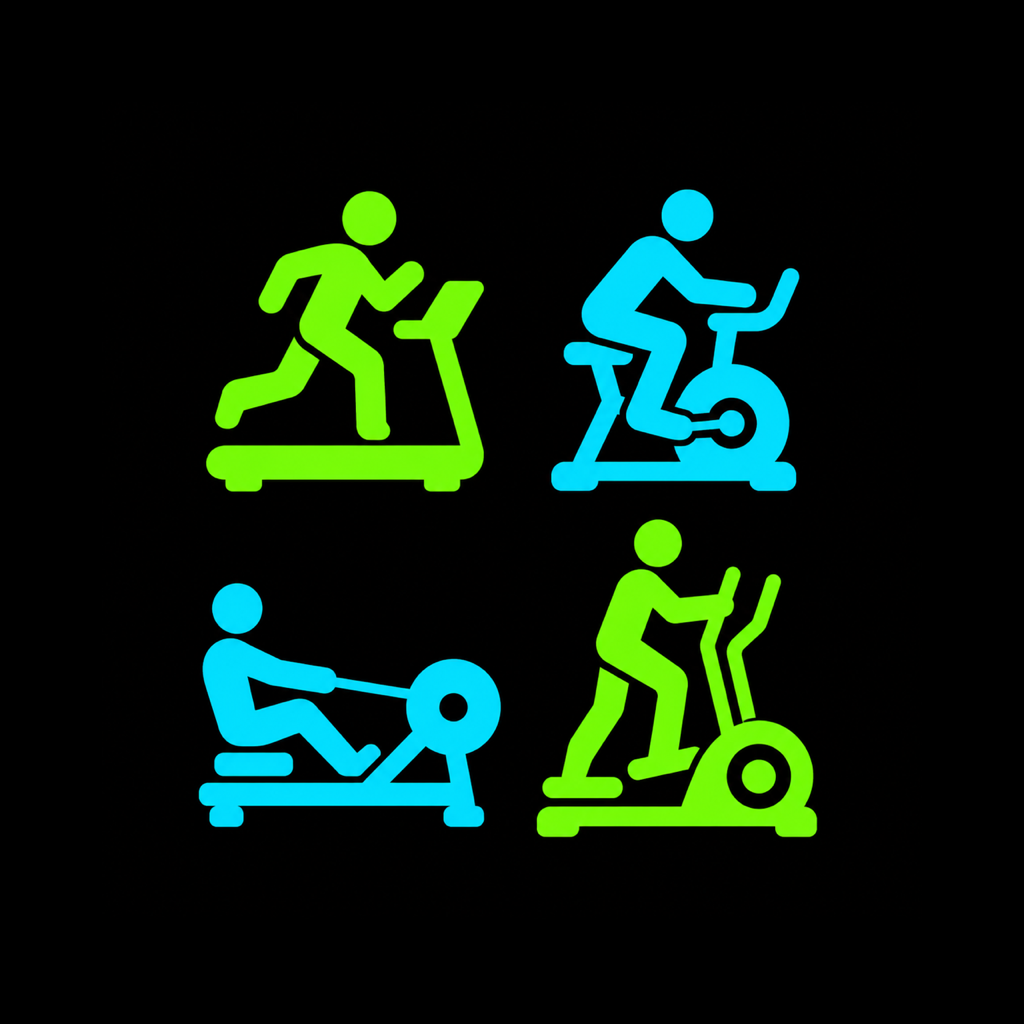
Four types of equipment. One familiar interface.
↓The right metrics for each type of equipment.
Choose a sport to explore the wrist experience.
Pace, cadence, distance and steps help you find your rhythm. Enable watch sensors to fill supported gaps in equipment data.
Equipment must provide compatible Bluetooth measurement services. Available metrics depend on equipment, watch capabilities and permissions.
Understand each workout through clear metrics.
Less interaction. More focus.
After a successful first connection, the app remembers your equipment and tries to reconnect when you open that workout again.
Enable watch sensors and grant access for available heart rate, steps and cadence. Missing readings remain clearly marked.
Timing pauses after five seconds without movement signals. Calories stop accumulating when stillness is detected, and recording resumes with movement.
Sessions longer than one minute are grouped by day. When equipment provides no calories, estimates are clearly labeled.
Open FTMS Watch on your watch and choose treadmill, indoor bike, rowing or elliptical.
Connect from the bottom of the workout screen on first use. Turn on equipment Bluetooth and stay nearby. Later sessions can reconnect automatically.
Enable watch sensors as needed. Tap Stop after your workout to end collection and disconnect equipment.
FTMS Watch is in development testing. A public App Store download is not available yet. Contact us online for installation and testing questions.
Contact the developer ↗Not always. Equipment needs compatible FTMS services; bikes can also use supported CSC speed/cadence services. Some devices use proprietary protocols. Include the brand, model and connection behavior in your feedback.
Yes. Enable watch sensors to show available heart rate, steps and cadence. The watch does not invent equipment power, resistance or rowing strokes; unavailable metrics remain missing.
Enable watch sensors, check the fit and review Health permissions. Sensor sampling and how the watch is worn affect readings. If the issue continues, send your watch model and system version through support.
Workout records currently stay in the watch app and do not automatically sync to this website. The website receives only feedback you submit, not your Health data.
You receive a ticket number and a private access code. Save the code to check status, read developer replies and add information on the Track a ticket page. No email is required.
Standard FTMS, compatibility formats, sample packets for four machine types and a practical integration checklist.